Photo Analysis
Upload a property photo and receive an instant complete AI analysis: sales opportunities, points of attention, and concrete staging tips in one comprehensive report.
What is Photo Analysis?
Photo Analysis is an AI-powered analysis tool designed specifically for real estate agents. Upload a property photo and receive within seconds a complete analysis including:
- First impression: How does a buyer experience the space at first glance?
- Strengths: What are the selling points you can emphasize?
- Points of attention: Where are opportunities for improvement?
- Concrete staging tips: Practical advice to strengthen the presentation.
- Shareable link: Share your analysis with colleagues or the seller.
Everything in one comprehensive report, perfect for listing presentations, team meetings, or improving your photo set.
Complete analysis
Everything in one report
Shareable
Send link to colleagues
Instant results
Ready within seconds
Example Photo Analysis
This is what a complete Photo Analysis looks like
Complete Analysis
First Impression
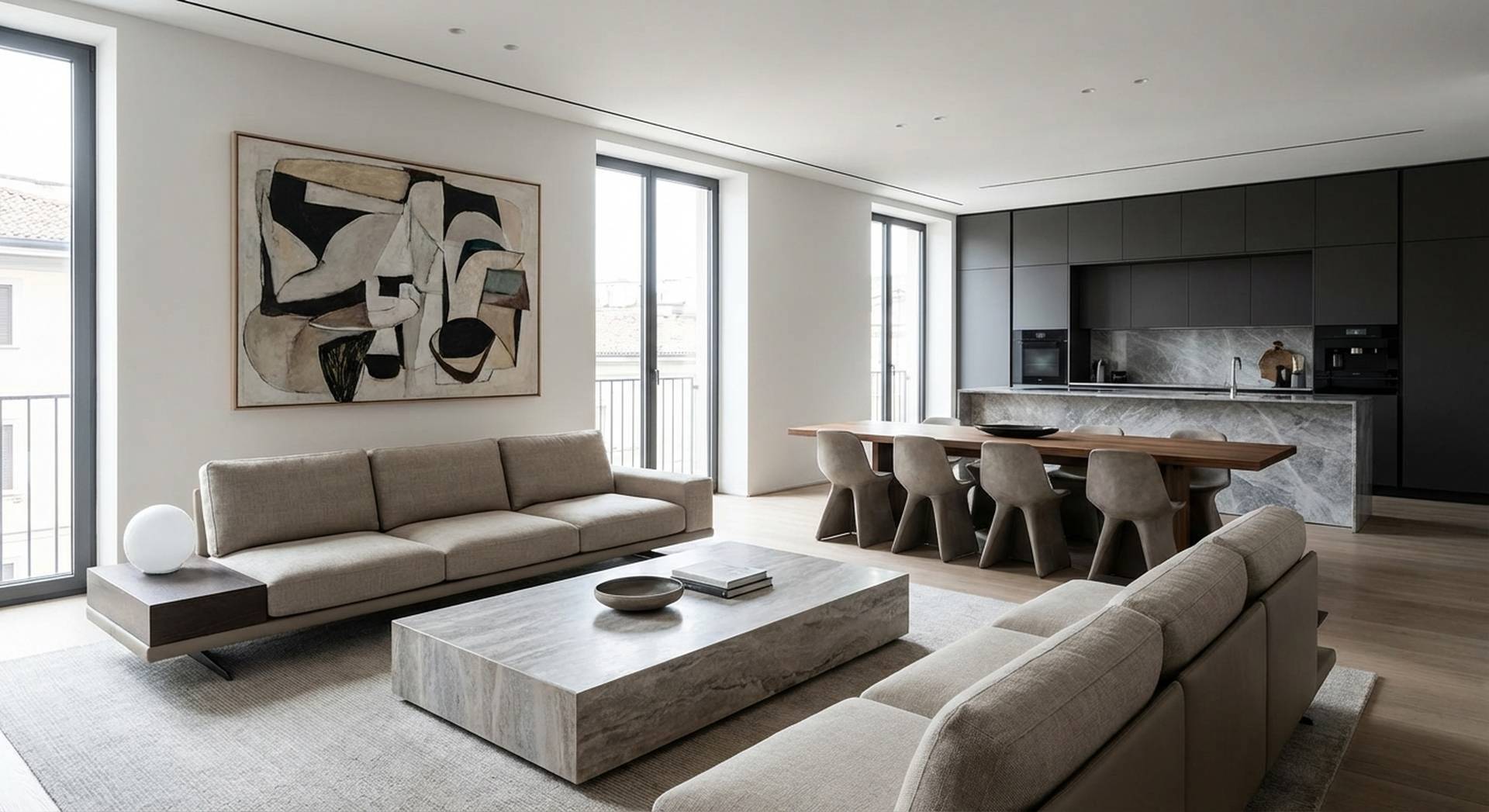
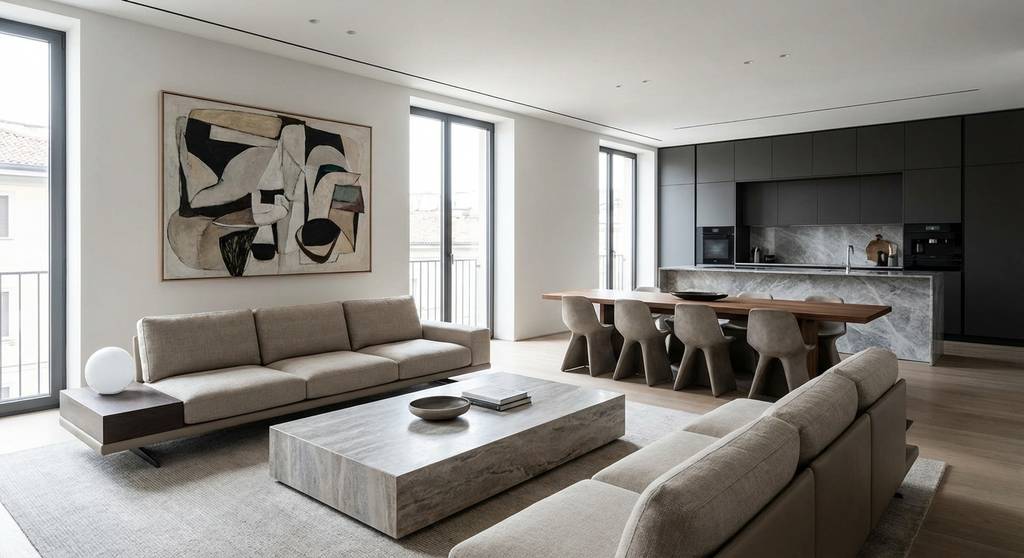
The space appears bright and spacious thanks to the large windows. The neutral color scheme appeals to a broad audience and offers buyers a canvas to project their own style.
Strengths
- Abundant natural light through the large windows
- Open layout with visible kitchen creates spaciousness
- Good state of maintenance, move-in ready
- Neutral base suits various interior styles
Points of Attention
- The empty space makes it difficult to visualize the function
- Bare walls lack warmth and personality
- The radiator is prominently visible
Staging Advice
Recommended style: Modern Minimalist - matches the clean lines and neutral base.
- Add a light sofa to define the living area
- Place a dining set near the kitchen for the family market
- Use warm accents (cushions, throw) for coziness
- Consider adding a plant for vibrancy
- Tip: Create a Snap impression with the "Scandinavian" style for optimal results
How does Photo Analysis work?
From photo to complete analysis in 3 steps
Upload your photo
Drag a property photo into the upload. Empty rooms, furnished homes or exteriors - anything works.
- JPG, PNG, WEBP or AVIF
- Maximum 25MB per photo
- One photo per analysis
Provide context
Select location type, price segment and target audience. This helps the AI provide more relevant advice.
- Urban, suburban or rural
- 7 price categories
- 6 target audiences (first-time buyers to investors)
Receive your analysis
Within seconds you receive a complete analysis with sales opportunities and staging advice. Share directly or continue to a Snap impression.
- Full analysis in one overview
- Concrete, actionable tips
- Option: proceed directly to virtual staging
Why Photo Analysis?
Stronger in listing presentations
Show sellers the potential of their property immediately. A complete analysis makes an impression.
Better team communication
Share analyses with colleagues via a link. Everyone has the same information, no misunderstandings.
Better photos
Know which photos can be improved before publication. Fewer rejections, more clicks.
Time savings
No more hours of analysis. AI does the heavy lifting, you decide.
All in one
No more separate tools needed. Sales analysis and staging advice in one report.
When do you use Photo Analysis?
Listing presentations
Upload the seller's photos on the spot and discuss the complete analysis together. Show how you can present the property optimally.
Photo set evaluation
Have your photo set analyzed before publication. Which photos need staging? Which ones are ready to go online?
Team meetings
Share analyses with your team via a link. Discuss the best approach for a property together.
Informing sellers
Send the analysis to the seller. Objective advice on how they can present their property better.
Premium Feature
Photo Analysis for Large subscriptions
Photo Analysis is a premium feature available for Large and Enterprise subscriptions.
With a Large subscription you get access to complete Photo Analysis: sales opportunities and staging advice in one comprehensive report.
Not on a Large plan yet? Upgrade today and discover the power of AI analysis.
Frequently asked questions about Photo Analysis
Discover Photo Analysis
Upgrade to Large and get instant access to complete AI analyses for your property portfolio.